
STEP 1
Bring your decks
together.
Upload the decks you already use.Keep the best content together.
FOR MARKETING & BRAND
Give your team a shared library of approved slides.
Help them find what they need, while you keep the content current.
Trusted by teams at


FROM YOUR LIBRARY TO THEIR DECK
Put your best content within everyone’s reach.
Your colleagues can find and reuse it, right inside PowerPoint.
Upload the decks you already use.Keep the best content together.
Organize slides into collections.Give every team a place to start.
Find the right slide in PowerPoint.Add it to the next presentation.
A SHARED LIBRARY. CLEAR OWNERSHIP.
Keep the shared source in the right hands.
Give everyone else a confident place to start.
Organize approved slides and manage access.
Choose who keeps the shared library up to date.
Find relevant slides and add them in PowerPoint.
Adapt the local copy for the conversation.
KEEP YOUR MESSAGE CURRENT
Update the source slide in your shared library.
SlideSync helps colleagues spot changes and update their decks.
SLIDECAMP INSIGHTS · FOR MARKETING
See the slides your team uses and the searches that lead nowhere.
Use those signals to decide what your library needs next.
Daily active users
Follow what happens after a search.
Most-used slides, presentations and collections

What people search for. What they find.
Spot the gaps. Turn searches with no results into a more useful library.
Slides used by library category
FROM OUR CUSTOMERS
See how teams bring their best presentations together.
A shared starting point for everyone who presents.

Media & publishing
How 150+ sales reps brought 450+ decks into one shared library.
Read the story

Healthcare & life sciences
Bringing research, marketing and data teams together. Faster decks. Fewer errors.
Read the story
A FEW MORE THINGS
From your existing content
to a library everyone can use.
IN OUR CUSTOMERS’ WORDS
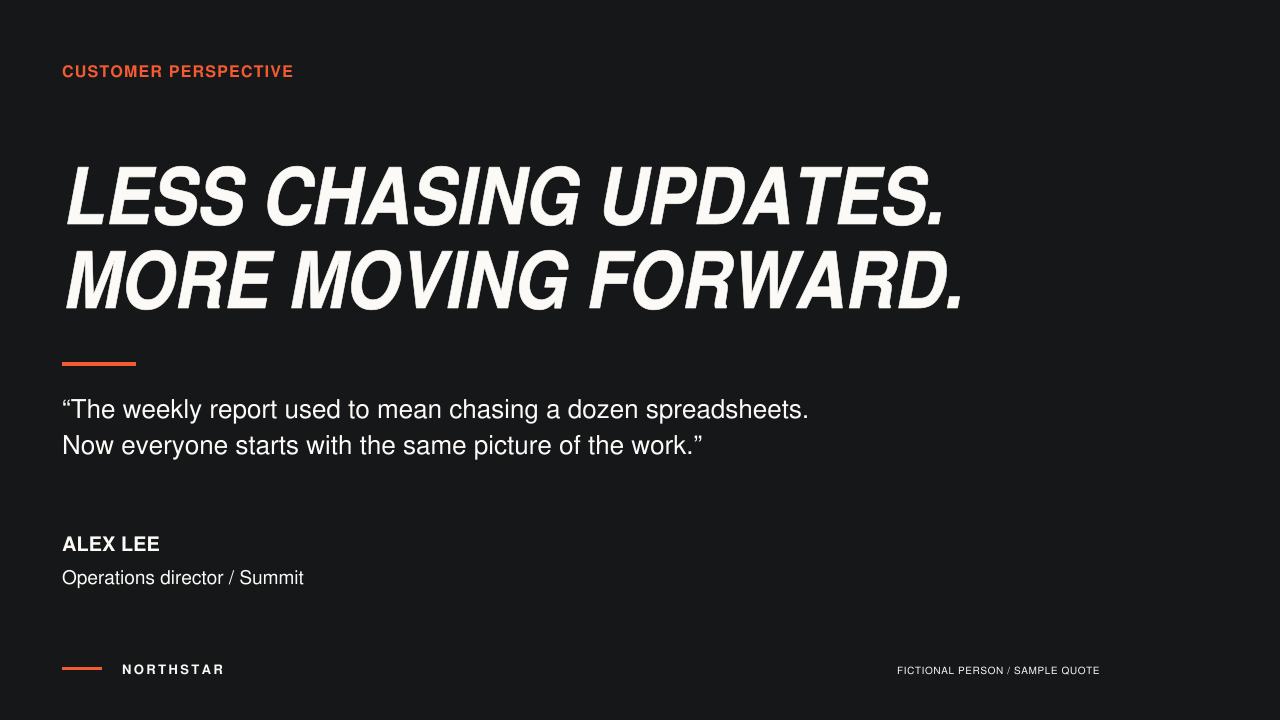
“The PowerPoint add-in has been a hit. Our advisors are actually excited to use it. All the new features you’ve added have been super helpful. It’s honestly been a lifesaver for us.”

Autumn Perry
NewEdge Capital Group
Let’s explore how your team can share its best content
and keep it ready for the next presentation.
Book a demo