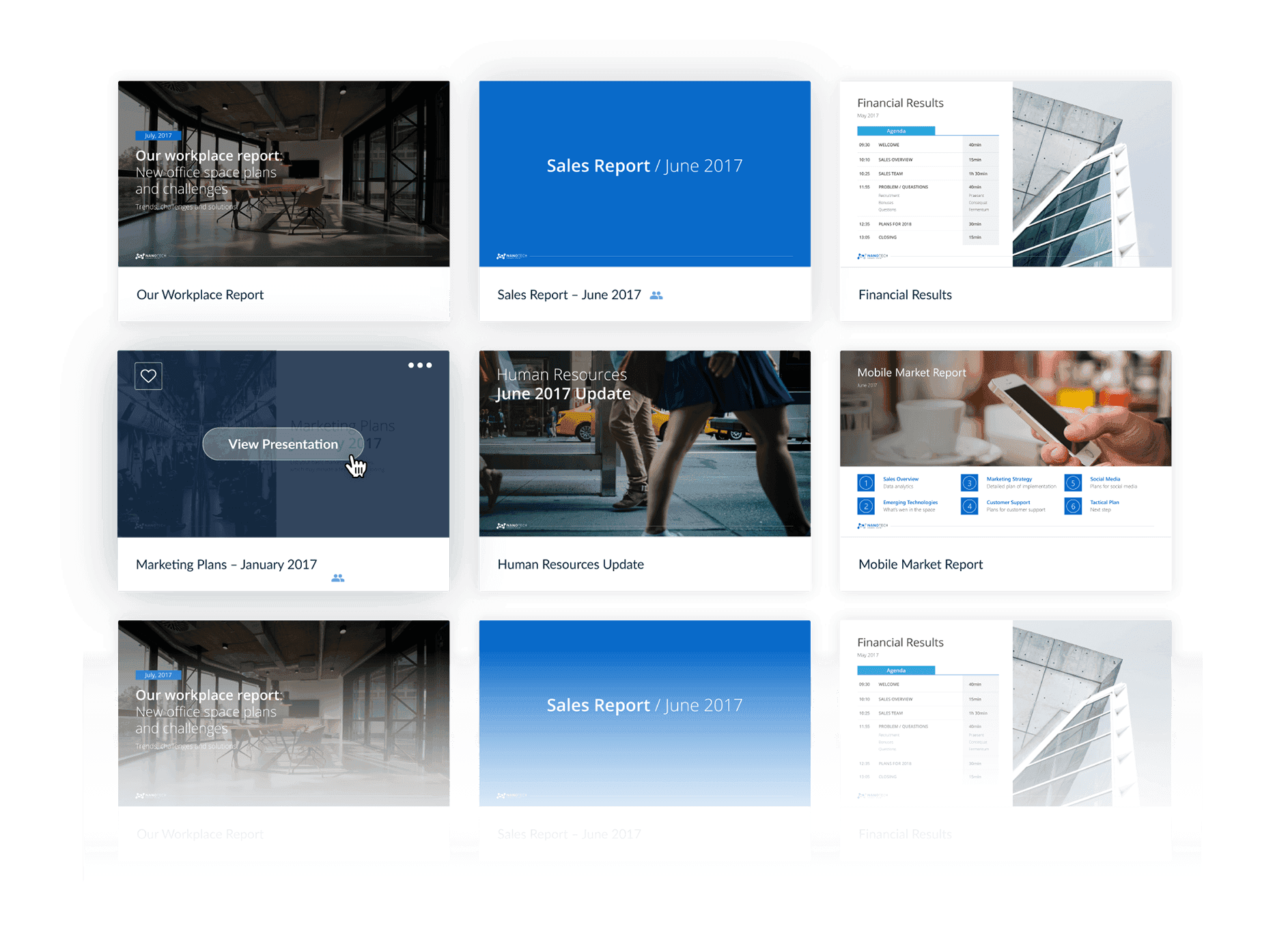
SINGLE SOURCE OF TRUTH
90 %
Less slide hunting
60 %
Faster Proposals
CUSTOMER VOICES
"SlideCamp turned a 2‑hour deck build into 10 minutes. Marketing finally sleeps!"

David Purdue ( LA Times)
National Marketing Manager
"Reps create their own decks and every slide stays on‑brand. Freedom and control in one tool."

Danielle Hazarian (Teleflex)
Global Marketing Director
"The PowerPoint add-in has been a game changer. Nearly everyone on the team is using it now."

John Bolton
Sales Director
STEP 1
Bulk upload in minutes
Auto tag slides


STEP 2
Drag‑drop workflow
Always up to date
Easy onboarding
STEP 3
Auto version control
Always up to date
slidecamp features
Everything your team needs
Keep slides easy to find. SlideCamp takes care of the busy work, so your team can focus on presenting.
Built in PowerPoint
Access your library and insert slides directly inside PowerPoint.
Easy slide search
Search by text or images. Every slide is indexed and auto-tagged.
SlideSync
Automatically keep all slide versions in sync with the latest content.
Duplicate slide detection
Instantly spot and replace duplicates with one click.
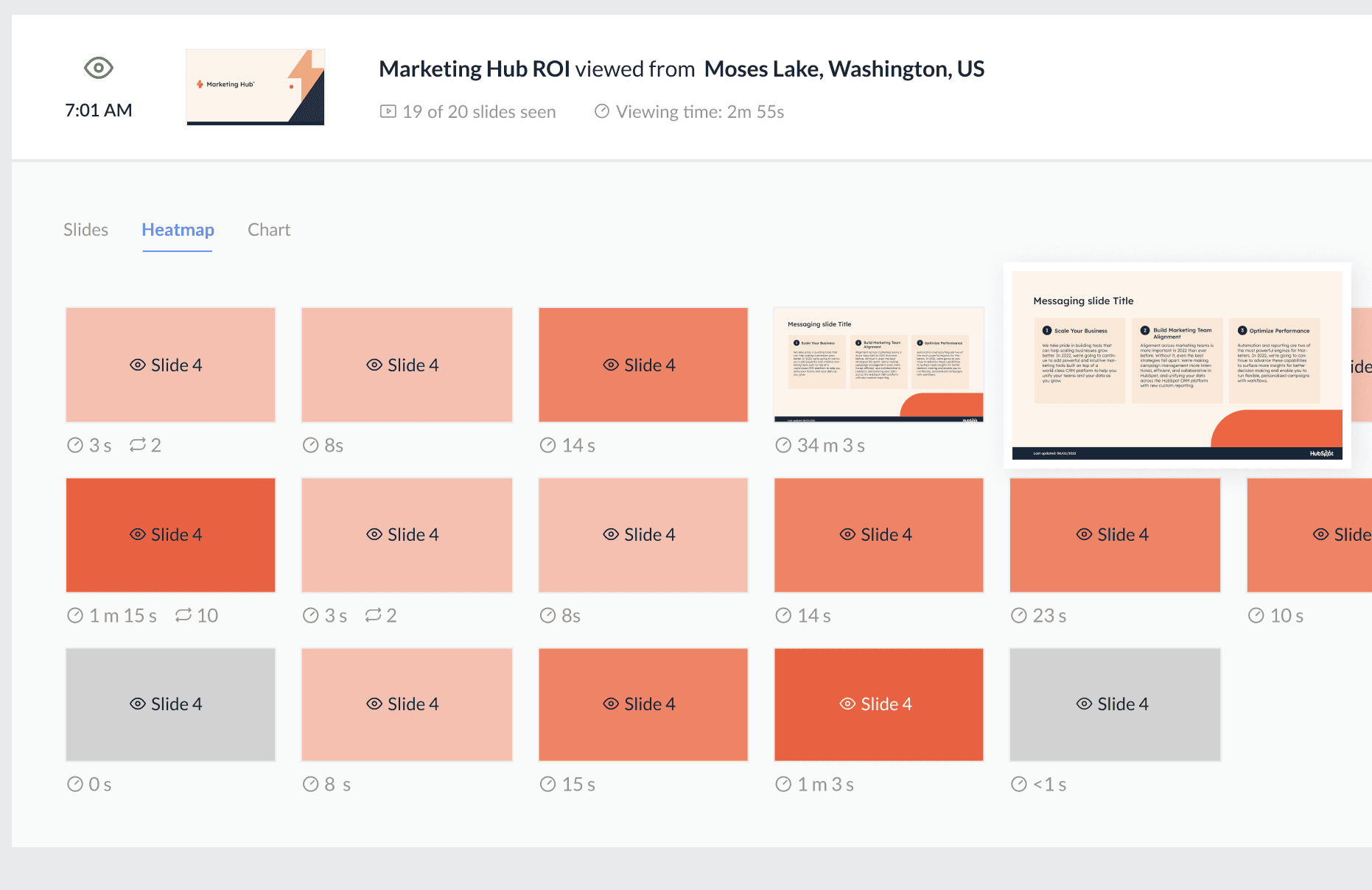
Track who views your slides
Track who views your slides, for how long, and where.
Privacy and protections
End-to-end approach to data security, privacy, and control.
FAQ
Frequently asked questions
Can I use SlideCamp directly within PowerPoint?
Does SlideCamp work on Mac and Windows?
Does SlideCamp work with desktop or SharePoint files?
Can I lock slides so users cannot edit certain content?
Can I share presentations with external clients?
Can I see who viewed my presentation and for how long?
Is there a free trial?
What does SlideCamp cost?
How does SlideCamp protect our company's content?
Explore how SlideCamp can simplify your workflow