Platform Overview
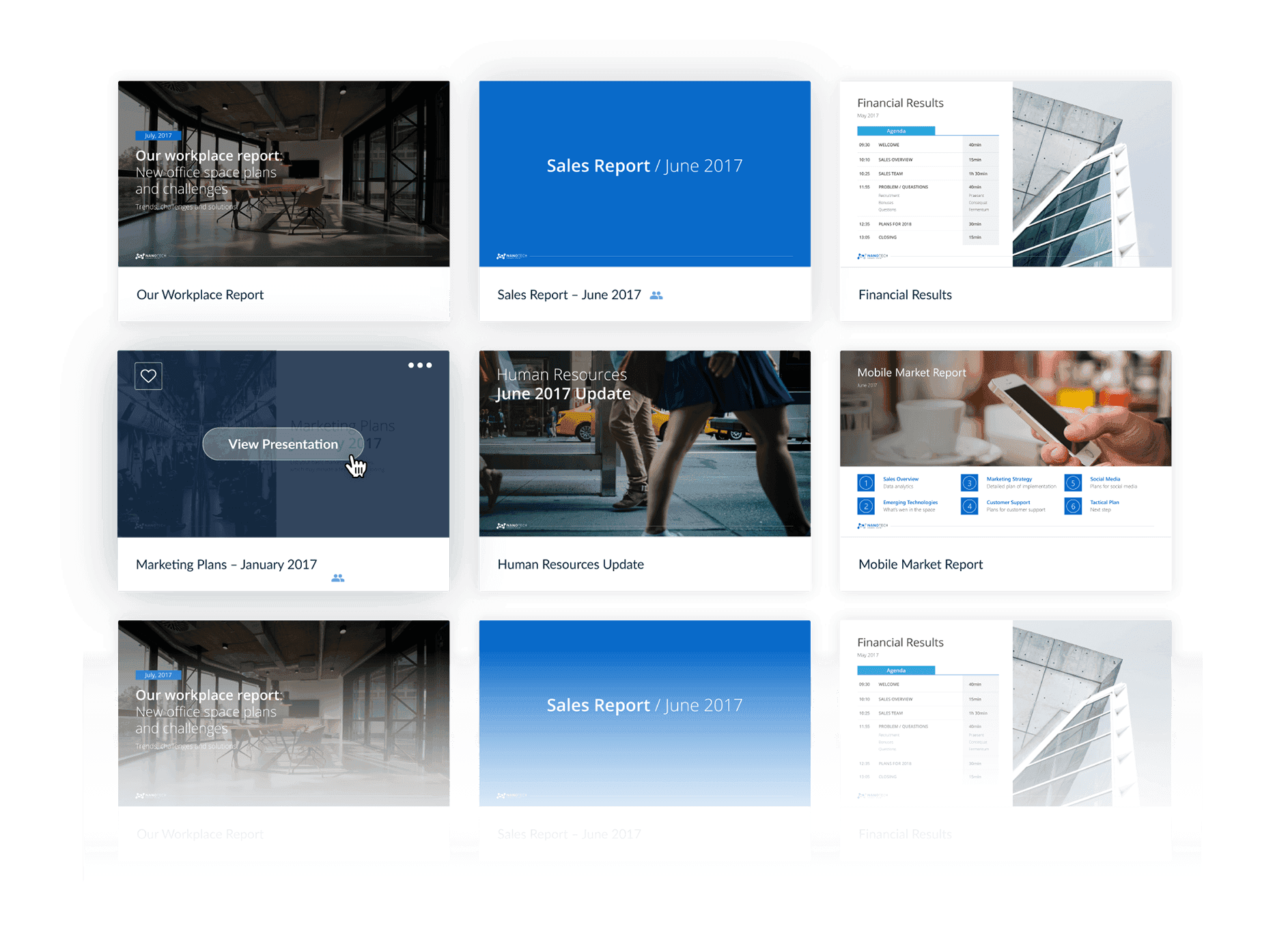
One slide library for every team
Simplify how your team creates presentations by keeping slides organized, up-to-date, and ready to reuse.
slidecamp features
Everything your team needs
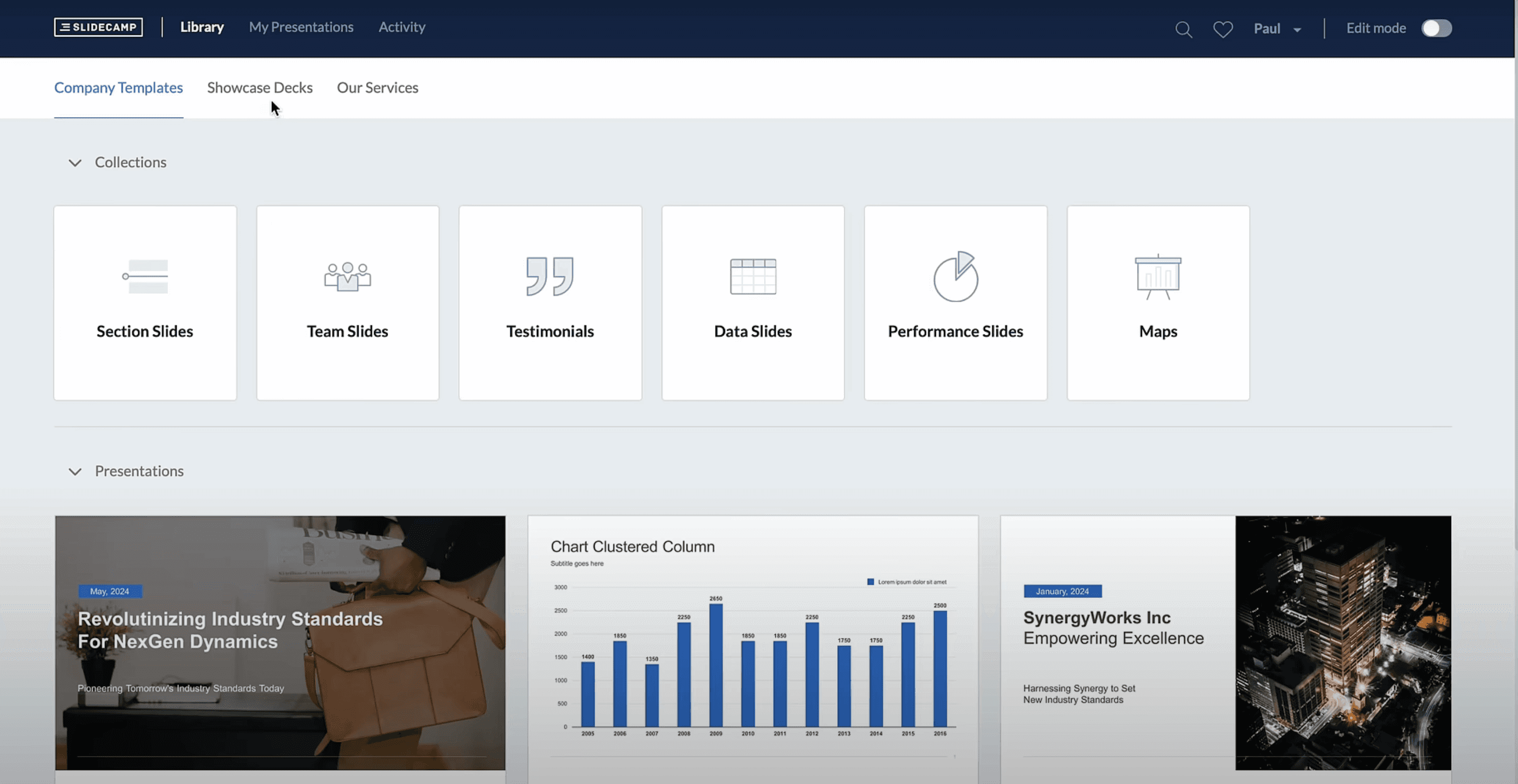
Keep slides easy to find. SlideCamp takes care of the busy work, so your team can focus on presenting.
Built in PowerPoint
Access your library and insert slides directly inside PowerPoint.
Easy slide search
Search by text or images. Every slide is indexed and auto-tagged.
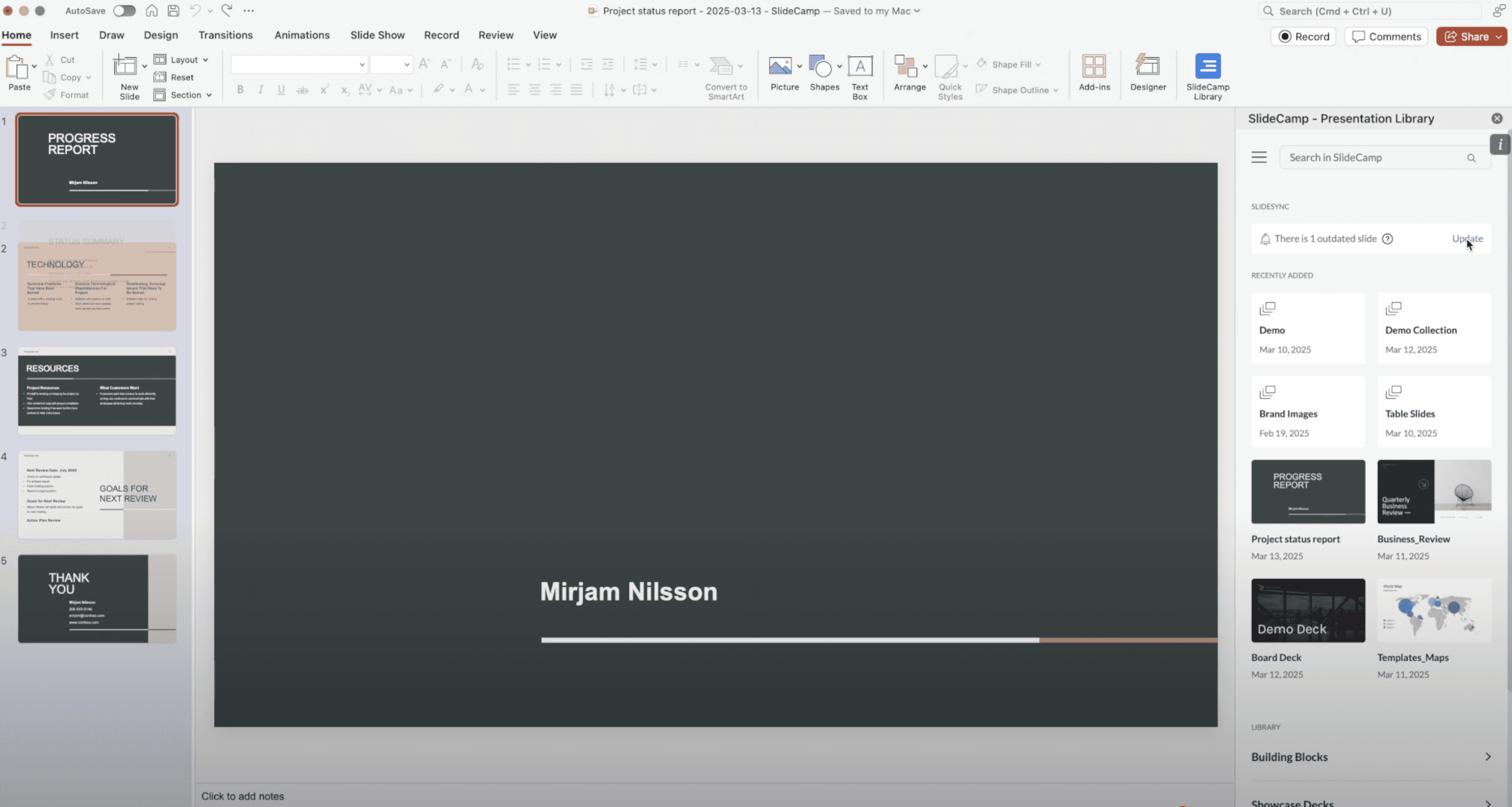
SlideSync
Automatically keep all slide versions in sync with the latest content.
Duplicate slide detection
Instantly spot and replace duplicates with one click.
Track who views your slides
Track who views your slides, for how long, and where.
Privacy and protections
End-to-end approach to data security, privacy, and control.

Microsoft

PowerPoint

Office 365
Integrations
slidesync spotlight
1-Click updates
Update outdated slides instantly—no searching, copying, or reformatting required.
Real-time alerts
Get real-time alerts in PowerPoint when a slide in your deck is no longer current.
Stay on brand
Ensure every slide used across the company reflects your latest messaging and design.
FAQ
Frequently asked questions
Can I use SlideCamp directly within PowerPoint?
Does SlideCamp work on Mac and Windows?
Does SlideCamp work with desktop or SharePoint files?
Can I lock slides so users cannot edit certain content?
Can I share presentations with external clients?
Can I see who viewed my presentation and for how long?
Is there a free trial?
What does SlideCamp cost?
How does SlideCamp protect our company's content?
Explore how SlideCamp can simplify your workflow