SLIDECAMP BLOG
Published
Published
SharePoint Slide Library Replacement: Fix the Content Chaos
SharePoint Slide Library Replacement: Fix the Content Chaos
Microsoft killed the SharePoint Slide Library in 2013. Learn why folders fail, what a modern replacement needs, and how to get PowerPoint-native slide management today.
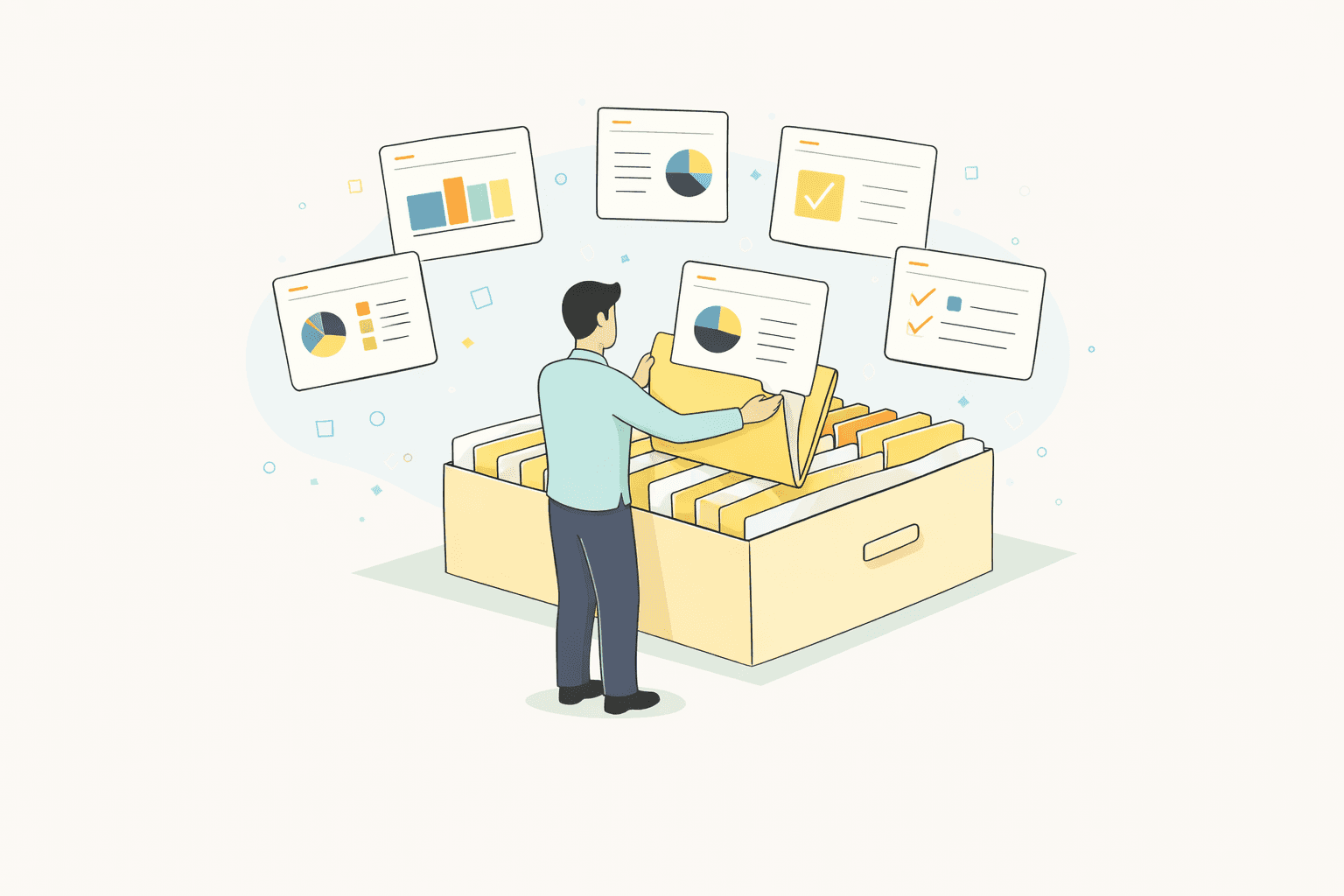
If you have been managing enterprise content for a decade or more, you remember the "good old days" of the SharePoint Slide Library.
Introduced in SharePoint 2007, it was Microsoft’s first acknowledgment that presentations are different from documents. Teams could publish individual slides, not just entire decks, enabling granular reuse. But starting with SharePoint 2013, Microsoft deprecated the feature. In SharePoint Online (cloud), it does not exist.
For Marketing, Sales Enablement, and Brand leaders, this deprecation wasn't just a feature removal; it was the catalyst for a decade of "Slide Chaos."
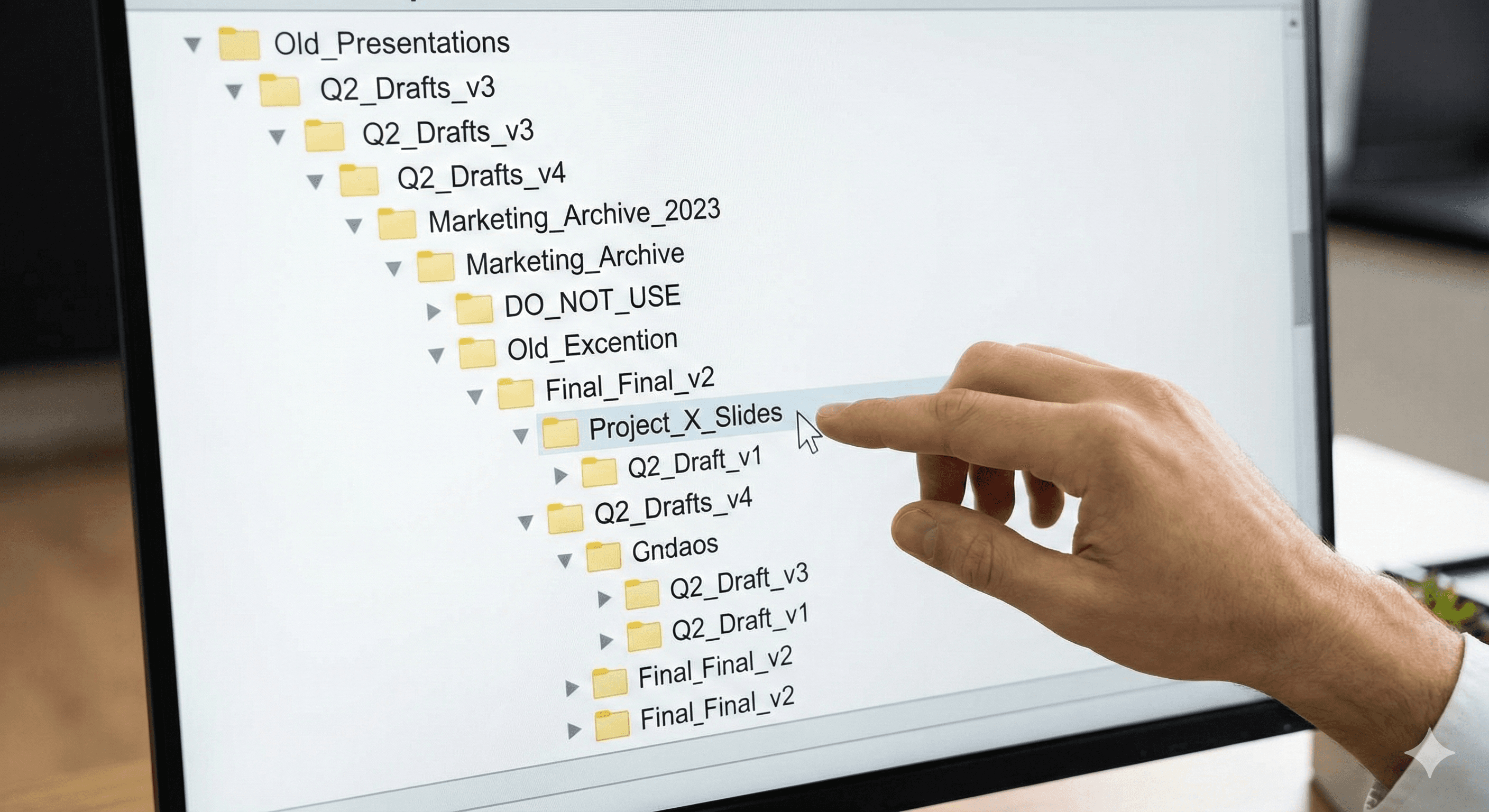
Without a native replacement, organizations reverted to storing PPTX files in massive folder structures on OneDrive or SharePoint. The result? Sales reps can’t find the one slide they need, marketing managers tear their hair out over off-brand fonts, and compliance officers lose sleep over outdated legal disclaimers.
This article explores the modern landscape of presentation management. We will look at why the folder system fails, the specific features a modern SharePoint slide library replacement must have, and how platforms like SlideCamp are filling the void with PowerPoint-native integration.
The "Frankenstein Deck" Problem: Life Without a Library
When the granular control of the Slide Library disappeared, the need for it didn't. Teams still manage thousands of slides. Without a centralized system, the workflow defaults to what industry experts call "The Frankenstein Method."
This happens when a user needs a specific slide—say, a Q3 case study or a pricing table. They don't know where the master file lives, so they scavenge. They open an email attachment from three months ago, copy a slide, paste it into their new deck, and repeat the process until they have a presentation.
The result is a presentation that is a patchwork of outdated branding, conflicting data, and broken formatting. Here is the tangible cost of that chaos:
The Search Tax: Knowledge workers spend between 44 minutes and 1.8 hours every single day just searching for information. When a sales rep spends an hour hunting for a "Product Roadmap" slide inside nested SharePoint folders, that is an hour they aren't selling.
Redundant Creation: If they can't find it, they rebuild it. This leads to the "Recreation Loop," where dozens of employees build their own versions of the exact same slide.
The Compliance Nightmare: This is the most dangerous risk for regulated industries (Finance, Pharma, Insurance). Without version control, an employee might pull a slide with last year’s interest rates or an unapproved medical claim. Without a single source of truth, there is no way to recall or forcibly update that slide once it sits on someone's desktop.
What a Modern SharePoint Alternative Looks Like
If you are searching for a replacement, you aren't looking for a "file storage" system. You are looking for Presentation Management. Modern solutions have evolved beyond simple repositories. They are now intelligent engines that treat individual slides as data assets. When evaluating a solution to replace the old SharePoint functionality, these are the non-negotiable features you need:
1. PowerPoint-Native Integration
The biggest friction point in asset management is switching apps. If a user has to leave PowerPoint, log into a web portal, download a file, and copy-paste, adoption drops. The best modern alternatives exist inside PowerPoint as an add-in. Users should be able to open a side panel, search for "Case Study," preview the slide, and drag it into their deck without ever switching windows. This reduces the friction of adoption to near zero.
2. Search Inside the Slide (Deep Indexing)
SharePoint and OneDrive search file names. Modern slide libraries search for content. If a user searches for "2025 Revenue Projection," the system should find that specific text inside a slide, even if the file name is just "Q3_Townhall_Final_v2.pptx." Tools like SlideCamp index every word on the slide, making the search granular and instant.
3. "SlideSync" and Version Control
This is the holy grail of presentation management. In the old file-folder method, once a user downloads a deck, it is no longer available to the organization. If you update the pricing tomorrow, the user's desktop copy remains outdated. Modern tools offer dynamic linking.
The Admin updates a master slide in the library.
The User opens an old presentation on their desktop.
The System notifies the user: "2 slides in this deck are outdated."
With one click, the user updates their deck to the latest version.
4. Brand Governance
The system should act as a brand gatekeeper. It should allow admins to lock specific elements (like legal footers or logos) so they cannot be edited, while leaving text boxes open for customization. It should also detect duplicate slides to merge versions and keep the library clean.
How SlideCamp Solves the SharePoint Gap
SlideCamp is often cited as the direct successor to the workflow SharePoint abandoned, but built for the modern enterprise. It is designed specifically to solve the "Frankenstein Deck" problem by serving as a single source of truth.
Here is how it functions as a modern replacement:
Centralized Library: It moves slides out of scattered folders and into a structured, visual library. Marketing creates the structure (Products, Sales Pitches, QBRs), and users simply browse or search.
Smart Search: It uses auto-tagging and deep-text search. A user doesn't need to know the file name; they just need to know what they are looking for.
Active Compliance (SlideSync): SlideCamp doesn't just store slides; it tracks them. If a rep pulls a slide for a pitch today, and Marketing updates that slide next week, SlideCamp pushes that update to the rep. This ensures that no matter when a presentation is given, it contains the most current, compliant data available.
The ROI of the Organization
Moving from a folder-based system to a dedicated slide library isn't just about "tidiness." It's about speed and risk mitigation. Teams using these solutions report a 40% to 90% reduction in deck creation time. When you multiply that time savings across a sales team of 50 or 100 people, the ROI is immediate.
Conclusion: Stop Managing Files, Start Managing Content
The loss of the SharePoint Slide Library was painful, but it forced the industry to innovate. We no longer have to settle for clunky file folders.
The modern alternative is here. It is integrated directly into the tools your team uses every day, protects your brand, and automatically ensures compliance. Whether you choose SlideCamp or another platform, the imperative is clear: stop treating slides like files, and start treating them like the valuable business assets they are.
If you have been managing enterprise content for a decade or more, you remember the "good old days" of the SharePoint Slide Library.
Introduced in SharePoint 2007, it was Microsoft’s first acknowledgment that presentations are different from documents. Teams could publish individual slides, not just entire decks, enabling granular reuse. But starting with SharePoint 2013, Microsoft deprecated the feature. In SharePoint Online (cloud), it does not exist.
For Marketing, Sales Enablement, and Brand leaders, this deprecation wasn't just a feature removal; it was the catalyst for a decade of "Slide Chaos."
Without a native replacement, organizations reverted to storing PPTX files in massive folder structures on OneDrive or SharePoint. The result? Sales reps can’t find the one slide they need, marketing managers tear their hair out over off-brand fonts, and compliance officers lose sleep over outdated legal disclaimers.
This article explores the modern landscape of presentation management. We will look at why the folder system fails, the specific features a modern SharePoint slide library replacement must have, and how platforms like SlideCamp are filling the void with PowerPoint-native integration.
The "Frankenstein Deck" Problem: Life Without a Library
When the granular control of the Slide Library disappeared, the need for it didn't. Teams still manage thousands of slides. Without a centralized system, the workflow defaults to what industry experts call "The Frankenstein Method."
This happens when a user needs a specific slide—say, a Q3 case study or a pricing table. They don't know where the master file lives, so they scavenge. They open an email attachment from three months ago, copy a slide, paste it into their new deck, and repeat the process until they have a presentation.
The result is a presentation that is a patchwork of outdated branding, conflicting data, and broken formatting. Here is the tangible cost of that chaos:
The Search Tax: Knowledge workers spend between 44 minutes and 1.8 hours every single day just searching for information. When a sales rep spends an hour hunting for a "Product Roadmap" slide inside nested SharePoint folders, that is an hour they aren't selling.
Redundant Creation: If they can't find it, they rebuild it. This leads to the "Recreation Loop," where dozens of employees build their own versions of the exact same slide.
The Compliance Nightmare: This is the most dangerous risk for regulated industries (Finance, Pharma, Insurance). Without version control, an employee might pull a slide with last year’s interest rates or an unapproved medical claim. Without a single source of truth, there is no way to recall or forcibly update that slide once it sits on someone's desktop.
What a Modern SharePoint Alternative Looks Like
If you are searching for a replacement, you aren't looking for a "file storage" system. You are looking for Presentation Management. Modern solutions have evolved beyond simple repositories. They are now intelligent engines that treat individual slides as data assets. When evaluating a solution to replace the old SharePoint functionality, these are the non-negotiable features you need:
1. PowerPoint-Native Integration
The biggest friction point in asset management is switching apps. If a user has to leave PowerPoint, log into a web portal, download a file, and copy-paste, adoption drops. The best modern alternatives exist inside PowerPoint as an add-in. Users should be able to open a side panel, search for "Case Study," preview the slide, and drag it into their deck without ever switching windows. This reduces the friction of adoption to near zero.
2. Search Inside the Slide (Deep Indexing)
SharePoint and OneDrive search file names. Modern slide libraries search for content. If a user searches for "2025 Revenue Projection," the system should find that specific text inside a slide, even if the file name is just "Q3_Townhall_Final_v2.pptx." Tools like SlideCamp index every word on the slide, making the search granular and instant.
3. "SlideSync" and Version Control
This is the holy grail of presentation management. In the old file-folder method, once a user downloads a deck, it is no longer available to the organization. If you update the pricing tomorrow, the user's desktop copy remains outdated. Modern tools offer dynamic linking.
The Admin updates a master slide in the library.
The User opens an old presentation on their desktop.
The System notifies the user: "2 slides in this deck are outdated."
With one click, the user updates their deck to the latest version.
4. Brand Governance
The system should act as a brand gatekeeper. It should allow admins to lock specific elements (like legal footers or logos) so they cannot be edited, while leaving text boxes open for customization. It should also detect duplicate slides to merge versions and keep the library clean.
How SlideCamp Solves the SharePoint Gap
SlideCamp is often cited as the direct successor to the workflow SharePoint abandoned, but built for the modern enterprise. It is designed specifically to solve the "Frankenstein Deck" problem by serving as a single source of truth.
Here is how it functions as a modern replacement:
Centralized Library: It moves slides out of scattered folders and into a structured, visual library. Marketing creates the structure (Products, Sales Pitches, QBRs), and users simply browse or search.
Smart Search: It uses auto-tagging and deep-text search. A user doesn't need to know the file name; they just need to know what they are looking for.
Active Compliance (SlideSync): SlideCamp doesn't just store slides; it tracks them. If a rep pulls a slide for a pitch today, and Marketing updates that slide next week, SlideCamp pushes that update to the rep. This ensures that no matter when a presentation is given, it contains the most current, compliant data available.
The ROI of the Organization
Moving from a folder-based system to a dedicated slide library isn't just about "tidiness." It's about speed and risk mitigation. Teams using these solutions report a 40% to 90% reduction in deck creation time. When you multiply that time savings across a sales team of 50 or 100 people, the ROI is immediate.
Conclusion: Stop Managing Files, Start Managing Content
The loss of the SharePoint Slide Library was painful, but it forced the industry to innovate. We no longer have to settle for clunky file folders.
The modern alternative is here. It is integrated directly into the tools your team uses every day, protects your brand, and automatically ensures compliance. Whether you choose SlideCamp or another platform, the imperative is clear: stop treating slides like files, and start treating them like the valuable business assets they are.