SLIDECAMP BLOG
Published
Published
How to Centralize Presentation Content: A 5-Step Guide
How to Centralize Presentation Content: A 5-Step Guide
Tired of reps digging through folders for the right slide? Follow this 5-step playbook to build a single source of truth and end version control nightmares.
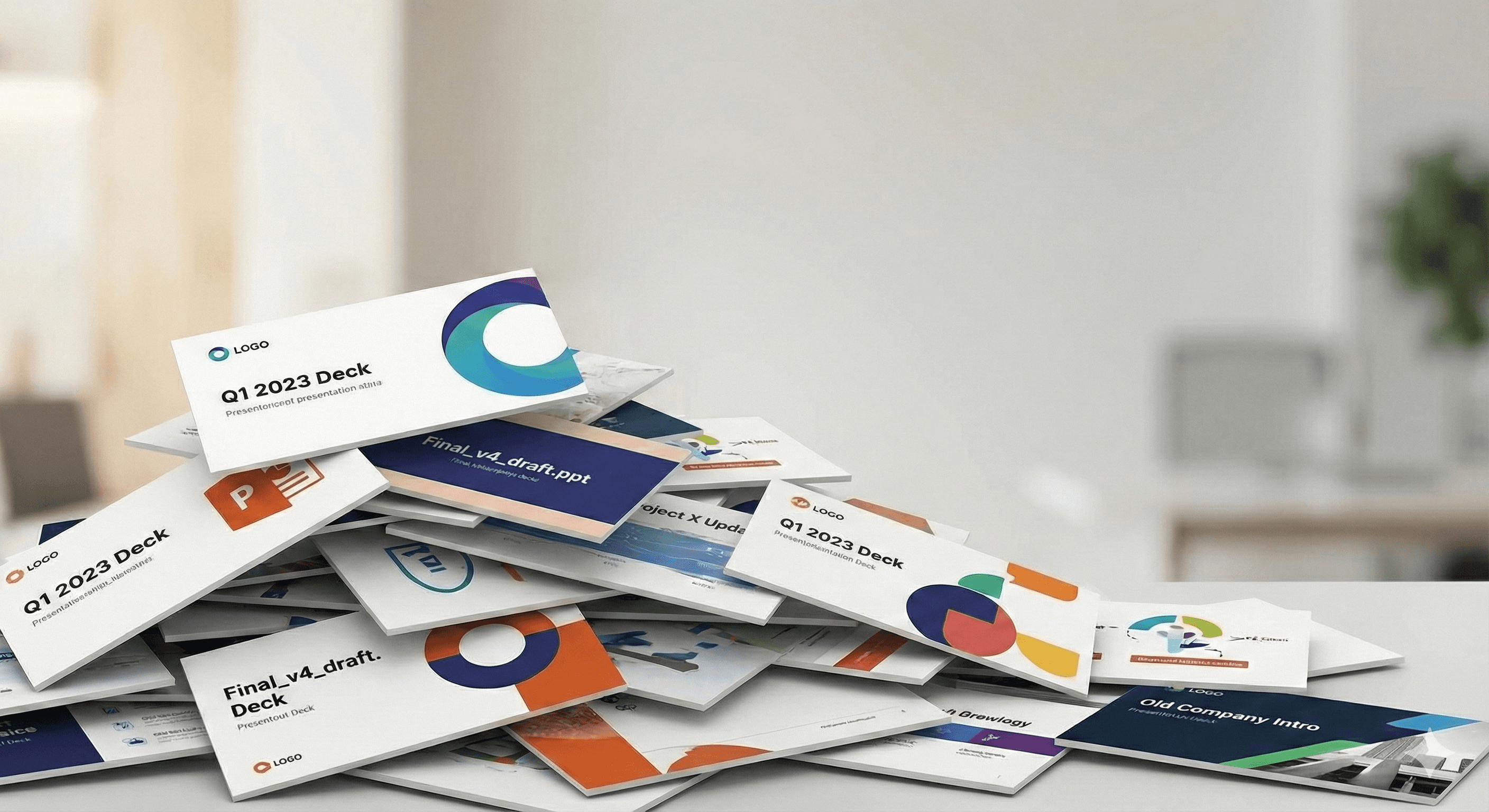
If you walked around your office (or Slack channels) today and asked five sales reps to show you their "standard" company overview deck, you would likely get five different versions.
One might have the old logo from 2023. Another might have a pricing slide with last quarter’s numbers. A third might be a chaotic mix of slides stitched together from random files found in old emails, desktop folders, and SharePoint archives.
This isn't because your team is lazy. It’s because they are working in the "Wild West" of file management.
In many organizations, presentation content is scattered across network drives, personal desktops, and endless SharePoint folders. The result? A daily struggle where finding the "right" slide takes longer than actually presenting it.
In this guide, we’re going to walk through how to move from this chaotic folder structure to a centralized Single Source of Truth—and why doing so is the only way to scale your brand.
The Real Cost of the "Copy-Paste" Workflow
We hear it on calls every day: "My team is just copy-pasting slides from wherever they can find them."
When content lives in silos, your team is forced to dig. They grab a slide from a deck they sent three months ago, combine it with a slide Marketing sent last week, and patch it together. This leads to three expensive problems:
The "Old Number" Liability: Imagine a rep presenting a slide that says "15 Billion Served" when the new official number is "18 Billion." Or worse, using a slide with an expired legal disclaimer. In regulated industries like Finance or Pharma, this isn't just embarrassing, it’s a compliance violation.
The Search Tax: Your highly paid sales reps shouldn't be professional archivists. If they are spending 30 minutes clicking through folders named
Final_Final_v3.pptxjust to find one case study, that is 30 minutes they aren't selling. It’s like searching for a needle in a haystack, but the haystack is made of digital folders.Brand Dilution: When everyone builds their own decks from scratch, fonts change, colors drift, and your crisp brand story becomes a muddy mess. You lose control of the narrative.
The Solution: A "Living" Slide Library
The antidote to the slide hunt is a Centralized Slide Library. Unlike a static folder of files, a slide library treats every individual slide as a managed asset. It’s not about storing files; it’s about storing knowledge.
Here is how centralizing your content changes the workflow:
1. From "Files" to "Building Blocks."
In a folder system, if you want one specific slide, you often have to open a heavy 50-slide deck just to find it. In a centralized library (like SlideCamp), slides are stored individually as "building blocks."
A rep can simply type "Security Architecture" into a search bar inside PowerPoint, see the three approved slides for that topic, and drag them into their deck. They build a custom, on-brand presentation in minutes using pre-approved blocks, rather than stitching together random files.
2. Visual Search (No More Filename Guessing)
We know the pain of SharePoint search: you usually have to know the exact filename to find anything.
A modern centralized library indexes the text inside the slide. A user can search for a specific phrase—like "Q3 Revenue" or a specific client name—and the system finds the exact slide, even if the filename is generic. It puts the content at their fingertips, right where they are working.
3. The "Magic" of Push Updates
This is the feature that typically solves the biggest headache for Admins and Marketing leaders.
In the old world, if you updated a pricing slide, you had to email 50 people and hope they read it. In a centralized library with Version Control, you update the master slide once.
The next time a rep opens a deck containing that slide, the system flags it: "This slide is outdated." With one click, they update to the new version. You ensure that every deck, on every laptop, stays compliant with the latest data.
How to Centralize Your Content (A 5-Step Playbook)
Moving from chaos to control doesn't happen overnight, but it is easier than you think. Here is the playbook we see successful teams use:
Step 1: Audit the "Wild West"
Before you build your library, you need to know what you have. Designate a "Content Owner" (usually in Marketing or Sales Enablement) to gather the best decks from your top performers. Ignore the messy drafts; find the "gold standard" content that is actually winning deals.
Step 2: Break Decks into Modules
Stop thinking in "files." Break your big decks down into logical topics.
Company Overview
Product A / Product B
Case Studies
Pricing / Legal
This modular approach is key. It allows a sales rep to say, "I need the Intro, the Product A slides, and the Healthcare Case Study," and assemble them instantly.
Step 3: "Lock the Brand, Free the Content"
One of the biggest fears we hear is, "If I give them access, they’ll ruin the formatting."
Modern centralization tools allow you to lock specific zones. You can lock the logo, the legal footer, and the background image so they can't be touched, while leaving the body text editable for the rep to customize for their prospect. This gives Sales the flexibility they crave without sacrificing the brand consistency Marketing demands.
Step 4: Integrate into the Workflow
This is critical. If your library is a separate website they have to log into, they won't use it.
The "Single Source of Truth" must live where your team works: Inside PowerPoint. Choose a solution that offers a sidebar or add-in. If dragging a slide into their deck is easier than digging through their desktop folders, adoption will be 100%.
Step 5: Enforce the "One Source" Rule
Once you launch, retire the old folders. Make it clear: "If it’s not in the library, it doesn't exist."
When teams realize that the library is the only place to find the latest, approved, high-quality slides, the habit of hoarding old files quickly dies out.
Conclusion: Stop Searching, Start Selling
You hired your team to tell your company's story, not to manage files.
By centralizing your presentation content, you aren't just cleaning up folders; you're also improving your workflow. You are giving your team their time back. You are ensuring that when a rep walks into a high-stakes meeting, the logo is correct, the data is current, and the story is sharp.
The era of the slide hunt is over. It’s time to build a Single Source of Truth.
Ready to clean up the chaos? Don't let your brand get lost in a maze of folders. See how SlideCamp centralizes your slides directly inside PowerPoint.
If you walked around your office (or Slack channels) today and asked five sales reps to show you their "standard" company overview deck, you would likely get five different versions.
One might have the old logo from 2023. Another might have a pricing slide with last quarter’s numbers. A third might be a chaotic mix of slides stitched together from random files found in old emails, desktop folders, and SharePoint archives.
This isn't because your team is lazy. It’s because they are working in the "Wild West" of file management.
In many organizations, presentation content is scattered across network drives, personal desktops, and endless SharePoint folders. The result? A daily struggle where finding the "right" slide takes longer than actually presenting it.
In this guide, we’re going to walk through how to move from this chaotic folder structure to a centralized Single Source of Truth—and why doing so is the only way to scale your brand.
The Real Cost of the "Copy-Paste" Workflow
We hear it on calls every day: "My team is just copy-pasting slides from wherever they can find them."
When content lives in silos, your team is forced to dig. They grab a slide from a deck they sent three months ago, combine it with a slide Marketing sent last week, and patch it together. This leads to three expensive problems:
The "Old Number" Liability: Imagine a rep presenting a slide that says "15 Billion Served" when the new official number is "18 Billion." Or worse, using a slide with an expired legal disclaimer. In regulated industries like Finance or Pharma, this isn't just embarrassing, it’s a compliance violation.
The Search Tax: Your highly paid sales reps shouldn't be professional archivists. If they are spending 30 minutes clicking through folders named
Final_Final_v3.pptxjust to find one case study, that is 30 minutes they aren't selling. It’s like searching for a needle in a haystack, but the haystack is made of digital folders.Brand Dilution: When everyone builds their own decks from scratch, fonts change, colors drift, and your crisp brand story becomes a muddy mess. You lose control of the narrative.
The Solution: A "Living" Slide Library
The antidote to the slide hunt is a Centralized Slide Library. Unlike a static folder of files, a slide library treats every individual slide as a managed asset. It’s not about storing files; it’s about storing knowledge.
Here is how centralizing your content changes the workflow:
1. From "Files" to "Building Blocks."
In a folder system, if you want one specific slide, you often have to open a heavy 50-slide deck just to find it. In a centralized library (like SlideCamp), slides are stored individually as "building blocks."
A rep can simply type "Security Architecture" into a search bar inside PowerPoint, see the three approved slides for that topic, and drag them into their deck. They build a custom, on-brand presentation in minutes using pre-approved blocks, rather than stitching together random files.
2. Visual Search (No More Filename Guessing)
We know the pain of SharePoint search: you usually have to know the exact filename to find anything.
A modern centralized library indexes the text inside the slide. A user can search for a specific phrase—like "Q3 Revenue" or a specific client name—and the system finds the exact slide, even if the filename is generic. It puts the content at their fingertips, right where they are working.
3. The "Magic" of Push Updates
This is the feature that typically solves the biggest headache for Admins and Marketing leaders.
In the old world, if you updated a pricing slide, you had to email 50 people and hope they read it. In a centralized library with Version Control, you update the master slide once.
The next time a rep opens a deck containing that slide, the system flags it: "This slide is outdated." With one click, they update to the new version. You ensure that every deck, on every laptop, stays compliant with the latest data.
How to Centralize Your Content (A 5-Step Playbook)
Moving from chaos to control doesn't happen overnight, but it is easier than you think. Here is the playbook we see successful teams use:
Step 1: Audit the "Wild West"
Before you build your library, you need to know what you have. Designate a "Content Owner" (usually in Marketing or Sales Enablement) to gather the best decks from your top performers. Ignore the messy drafts; find the "gold standard" content that is actually winning deals.
Step 2: Break Decks into Modules
Stop thinking in "files." Break your big decks down into logical topics.
Company Overview
Product A / Product B
Case Studies
Pricing / Legal
This modular approach is key. It allows a sales rep to say, "I need the Intro, the Product A slides, and the Healthcare Case Study," and assemble them instantly.
Step 3: "Lock the Brand, Free the Content"
One of the biggest fears we hear is, "If I give them access, they’ll ruin the formatting."
Modern centralization tools allow you to lock specific zones. You can lock the logo, the legal footer, and the background image so they can't be touched, while leaving the body text editable for the rep to customize for their prospect. This gives Sales the flexibility they crave without sacrificing the brand consistency Marketing demands.
Step 4: Integrate into the Workflow
This is critical. If your library is a separate website they have to log into, they won't use it.
The "Single Source of Truth" must live where your team works: Inside PowerPoint. Choose a solution that offers a sidebar or add-in. If dragging a slide into their deck is easier than digging through their desktop folders, adoption will be 100%.
Step 5: Enforce the "One Source" Rule
Once you launch, retire the old folders. Make it clear: "If it’s not in the library, it doesn't exist."
When teams realize that the library is the only place to find the latest, approved, high-quality slides, the habit of hoarding old files quickly dies out.
Conclusion: Stop Searching, Start Selling
You hired your team to tell your company's story, not to manage files.
By centralizing your presentation content, you aren't just cleaning up folders; you're also improving your workflow. You are giving your team their time back. You are ensuring that when a rep walks into a high-stakes meeting, the logo is correct, the data is current, and the story is sharp.
The era of the slide hunt is over. It’s time to build a Single Source of Truth.
Ready to clean up the chaos? Don't let your brand get lost in a maze of folders. See how SlideCamp centralizes your slides directly inside PowerPoint.